
Novigem 1.8: Gamify Any Salesforce Object, and Coaching That Tells Reps What's Next
Version 1.8 is the biggest release Novigem has shipped. Not because of the feature count. Because it changes what the product is.
Two things happened. The engine now sees your whole org, not just four objects. And Novigem stopped being purely a recognition engine.
Gamify any Salesforce object
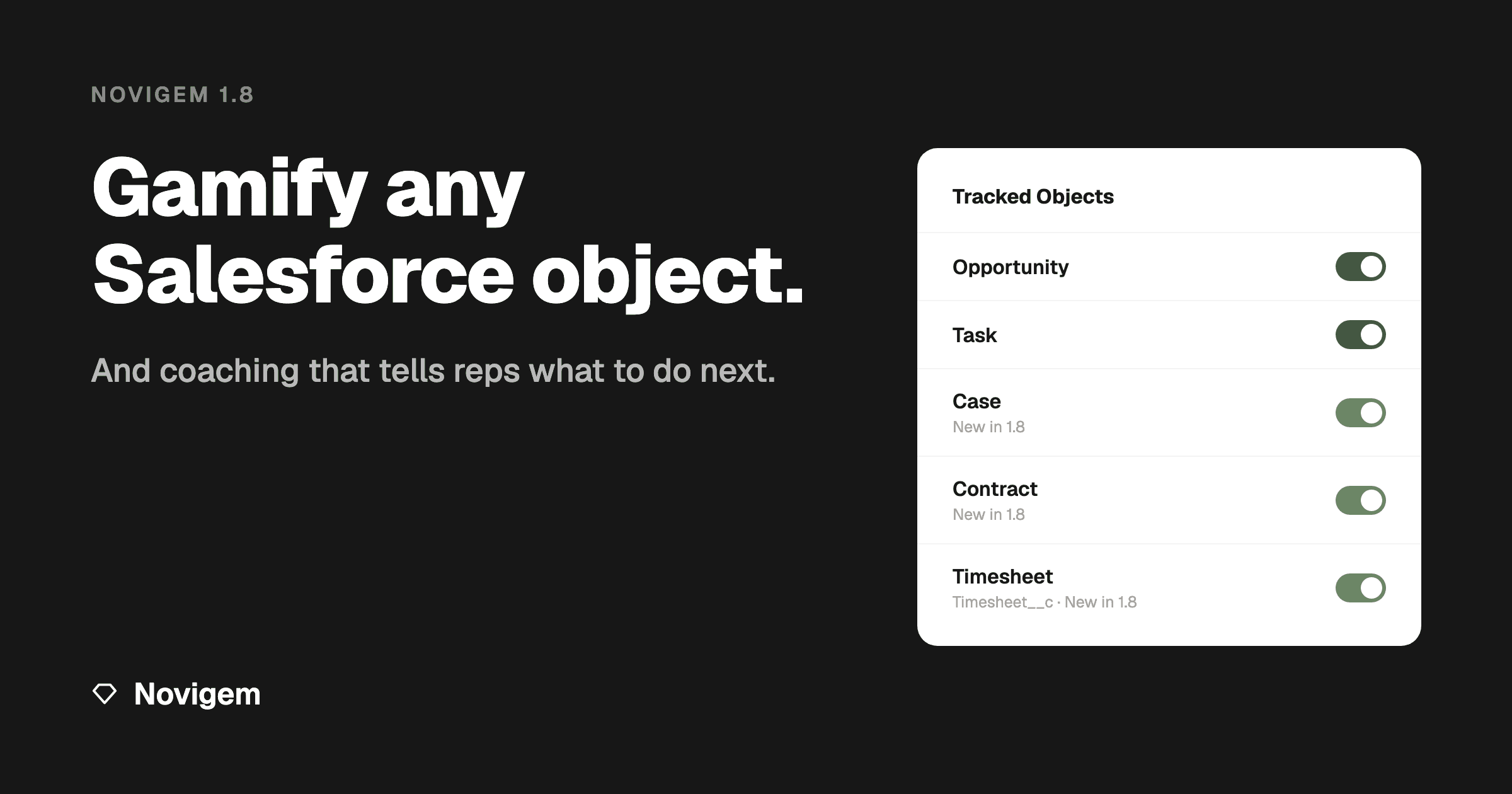
Since launch, Novigem has shipped triggers for four standard objects: Opportunities, Leads, Tasks, and Events. That covered the core sales motion, but it was a hard ceiling. A managed package can only ship triggers for objects that exist in every org, which rules out your custom objects entirely. And packaging a trigger for every standard object Salesforce offers would be bloat nobody asked for. Cases, timesheets, renewals: out of reach either way.
1.8 removes the ceiling.
Registering a new object now takes a minute. Go to General Settings, click Add Object, and pick anything the engine can track. The picker filters out platform plumbing and read-only objects, and it registers the exact API name for you, so typos are impossible. Then point a record-triggered Flow at the new Evaluate Record with Novigem action, and records start flowing into the engine. The step-by-step guide walks through the whole path with screenshots.
Support tickets. Timesheets. Renewals. Field service visits. If it lives in Salesforce, it can earn points now.
For ISV partners there's an Apex path too: your own trigger calling NovigemAPI.evaluate gets your packaged objects into the same pipeline.
Every entry point funnels into the same evaluation pipeline. Deduplication, challenge progress, kill switches, and the append-only points ledger behave identically whether a record arrives via a built-in trigger, a Flow, or partner Apex.
And because more objects means more moving parts, each tracked object now gets its own engine toggle. Bulk-importing Cases next week? Switch off Cases, leave everything else running.
From recognition to coaching
Points and badges celebrate what already happened. That matters: immediate reinforcement is what makes behaviour stick. But recognition is a lagging mechanism. It throws confetti after the fact.
The question reps kept asking after the confetti: what should I do next?
1.8 answers it, for three different people.
For reps, every celebration now carries a personal coaching feed. Your next best action and your pace toward the goal, right at the moment you're paying attention. Admins can override the default copy with their own words, so the nudge sounds like your team, not like software.
For managers, Team Pulse shows who needs attention this week: per-rep engagement, goal pace, and at-risk flags, with each rep's open coaching signals underneath. A 1:1 starts with a fact instead of a question.
For admins, Team Pulse gains an org-wide view across every participating rep, with rollups of open coaching signals. When the engine spots a gap in your rule coverage, it proposes a ready-made challenge to close it. One click to create.
No AI in any of this. Every signal is a fixed threshold applied to each rep's own history, so the same inputs always produce the same signal, and you can check the maths yourself.
The insight behind all of this: the engine already computes everything a coaching layer needs. The condition evaluator, the points ledger, the challenge pacing data. Until now, all of that pointed at one output: award points. 1.8 points the same data at a second output: tell people what to do next.
The smaller things
A release this size accumulates plenty of quality-of-life work alongside the headlines:
- Configurable leaderboard timeframe. Pick the default window your team sees first, instead of everyone landing on the same view.
- A reorganised settings surface. Tracked objects now live on their own card, separate from the kill switches, so the settings page scales with your object list.
- A full onboarding polish pass, from the first-run walkthrough to empty states that tell you what to do instead of just being empty.
Getting 1.8
Novigem 1.8 ships as a standard managed package upgrade. The full release notes cover everything, including the two admin actions that make coaching work: scheduling the nightly job and assigning the new Novigem Manager permission set. New here? The complete guide to Salesforce gamification is the best place to start, and the install guide takes about fifteen minutes.
You can also install straight from Novigem on the Salesforce AppExchange, where the package has passed Salesforce security review. Some orgs require software to arrive that way, and the listing is the quickest way to see what is in the package before installing anything.
Recognition tells your team they did well. Coaching tells them what to do next. From 1.8 on, Novigem does both.